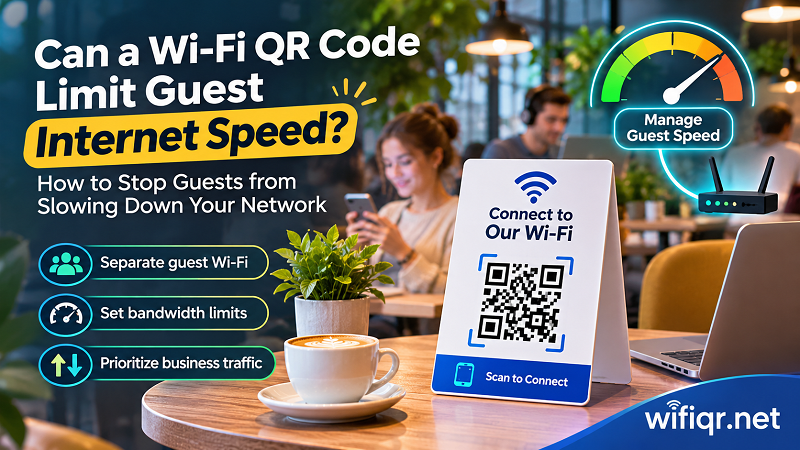
Can a Wi-Fi QR Code Limit Guest Internet Speed?
Learn how to manage guest Wi-Fi speed, prevent bandwidth hogging, protect business devices, and offer customers a smoother internet experience.
Short, practical guides on sharing WiFi safely and getting the most from your QR sign.
Learn how to manage guest Wi-Fi speed, prevent bandwidth hogging, protect business devices, and offer customers a smoother internet experience.

Can you scan a Wi-Fi QR code without internet? Discover how QR scanning works, why Wi-Fi connects offline, and what happens when your router loses internet.
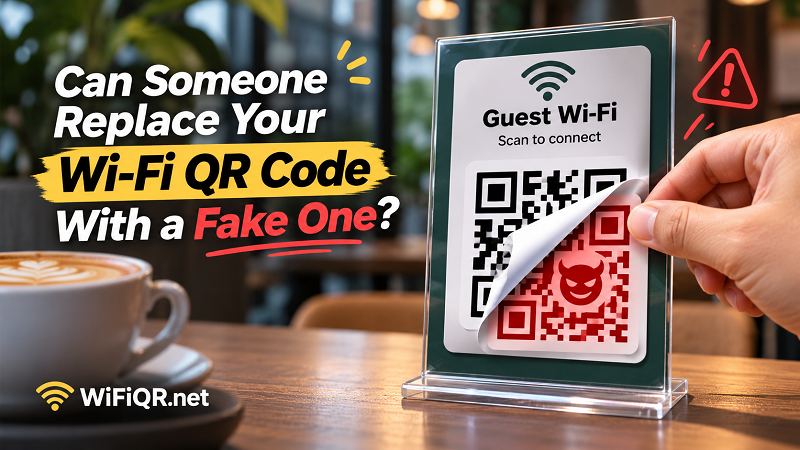
Fake Wi-Fi QR Codes can expose customers to untrusted networks. Discover how QR sticker scams work and how businesses can protect their Wi-Fi access points.
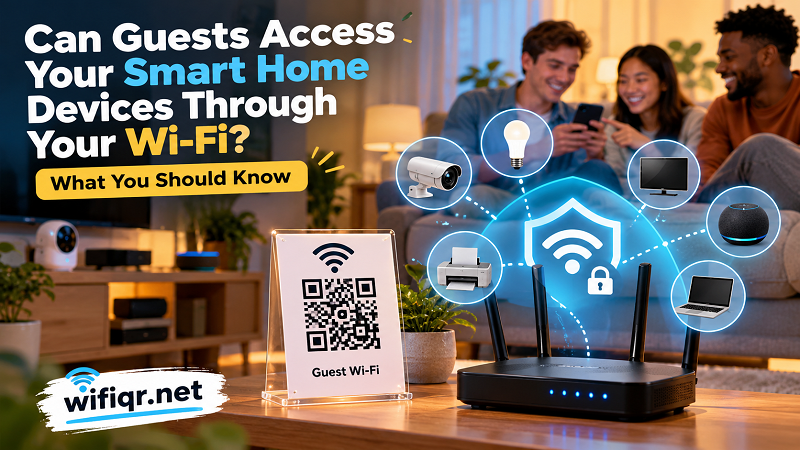
Discover what guests can access on your home Wi-Fi, how guest network isolation works, and how to protect your smart home devices before sharing access.
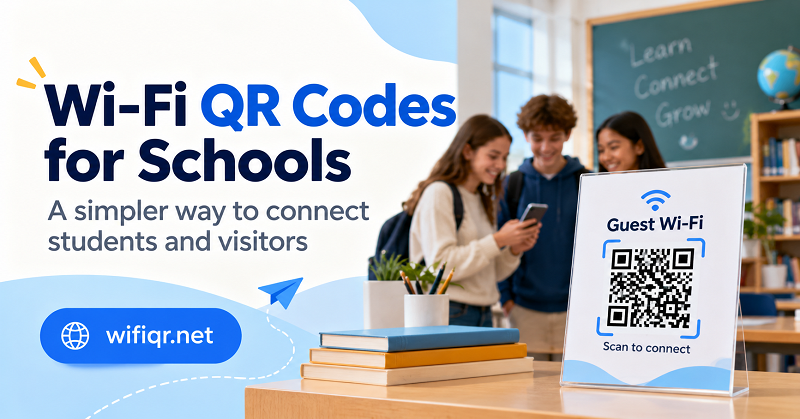
Learn how schools can use Wi-Fi QR codes to simplify student and visitor access, protect network credentials, and manage connectivity more effectively.
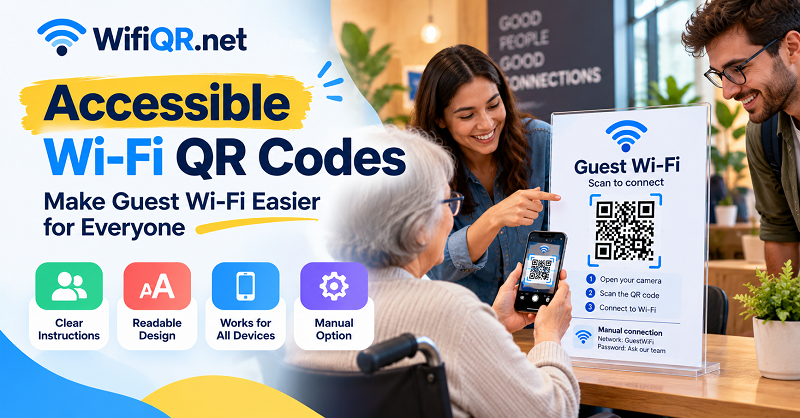
Make Wi-Fi QR codes easier for everyone to use with clearer signs, manual connection options, practical accessibility checks, and a simple testing checklist.
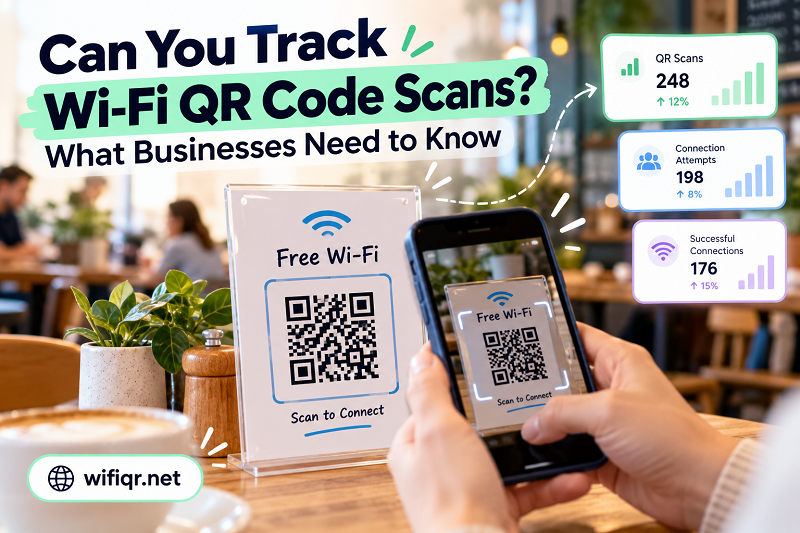
Can you track Wi-Fi QR code scans? Learn what scan counts reveal, how Wi-Fi analytics work, and how businesses can measure guest connectivity.
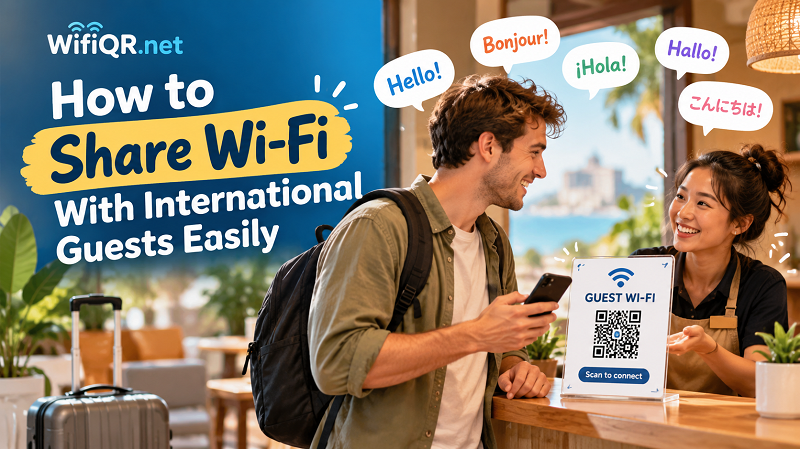
Help international guests connect to Wi-Fi with clear multilingual signs, simple QR instructions, and an easy backup option.
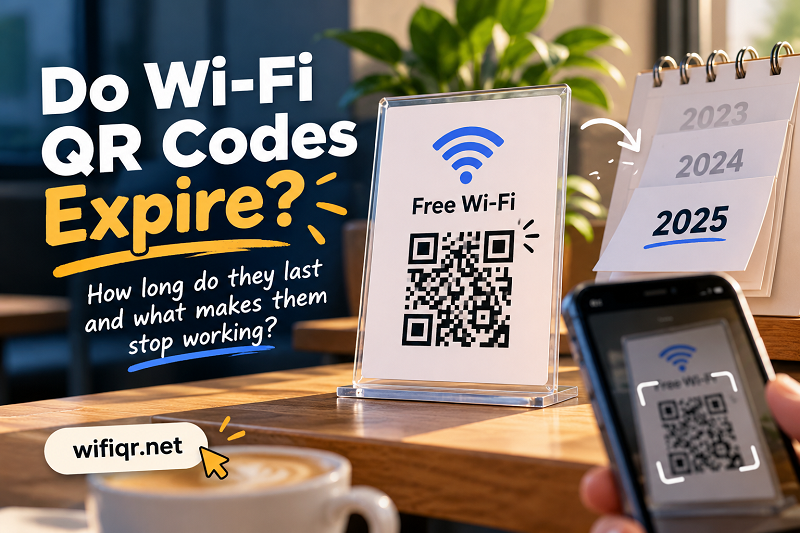
Do Wi-Fi QR codes expire? Learn how long printed codes last, what makes them stop working, and how to keep your Wi-Fi signs useful for years.
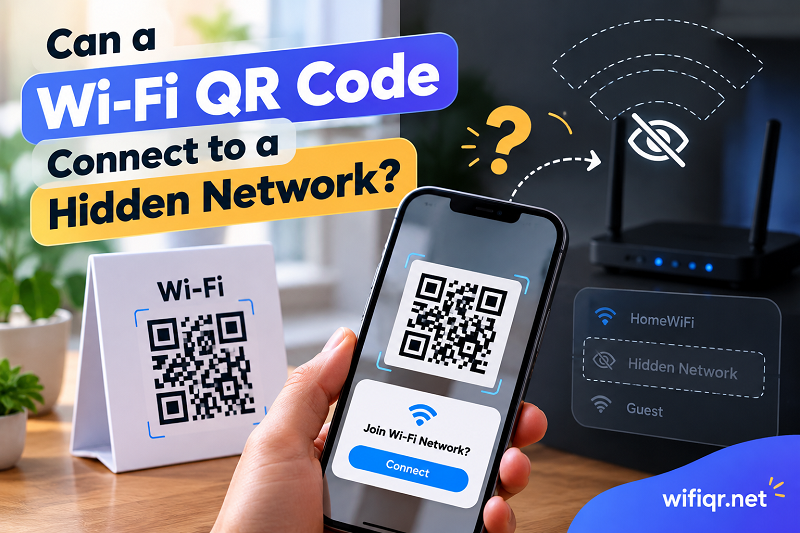
Learn how Wi-Fi QR codes work with hidden networks, what the hidden SSID setting changes, and why a code may scan but fail to connect.
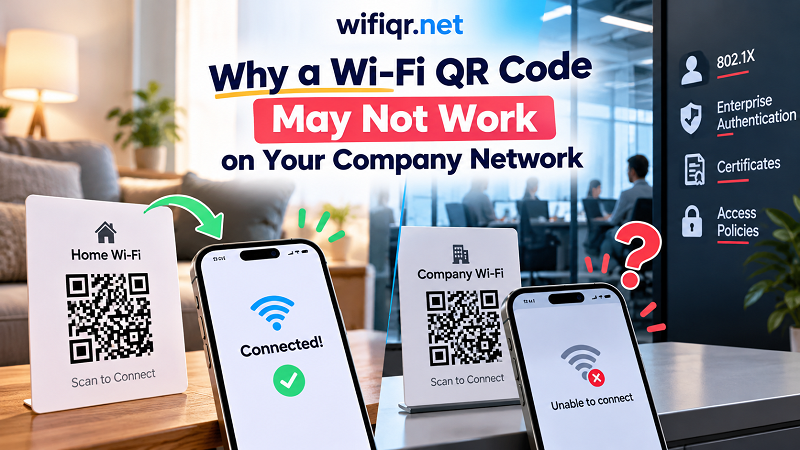
A Wi-Fi QR code works at home but fails at work? Learn how enterprise authentication differs and which Wi-Fi sharing methods actually work.
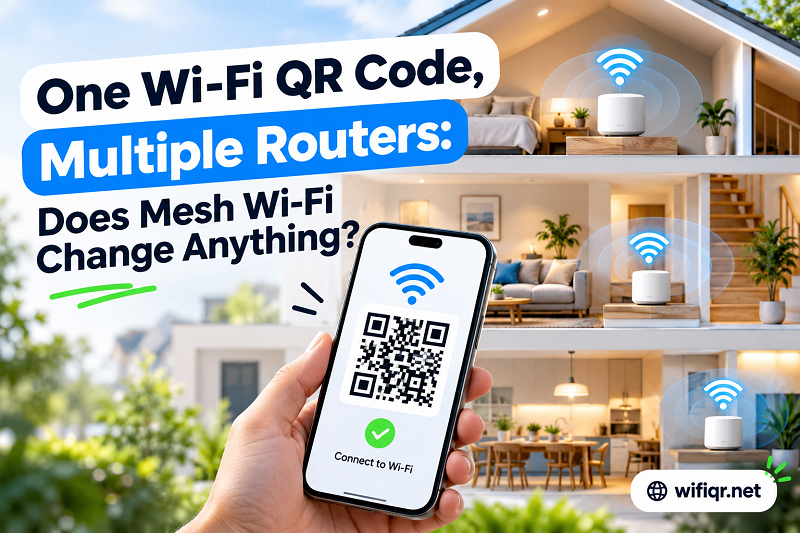
Learn when one Wi-Fi QR code works across multiple routers, mesh nodes, and access points—and when separate network QR codes make more sense.
A roommate moving out can leave your Wi-Fi access wide open. Learn when to change your password, manage connected devices, and update your QR code.
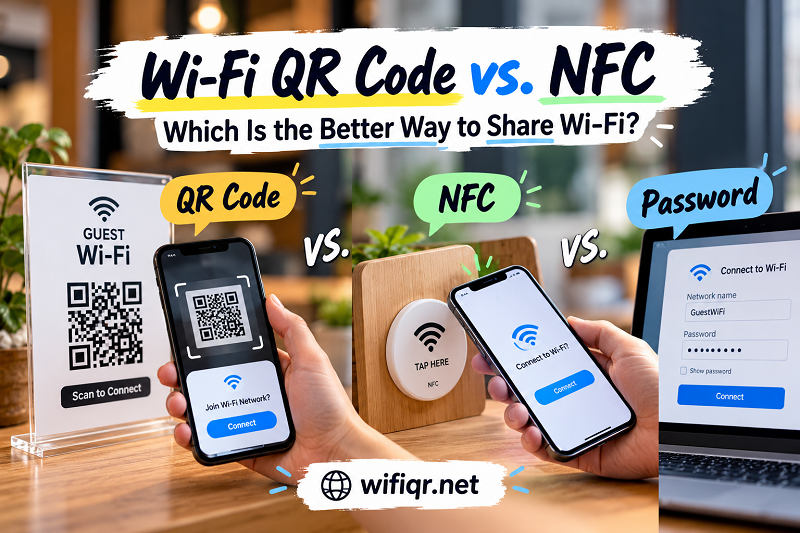
Compare Wi-Fi QR codes, NFC tags, and manual passwords to find the easiest, most practical way to share network access with guests and customers.
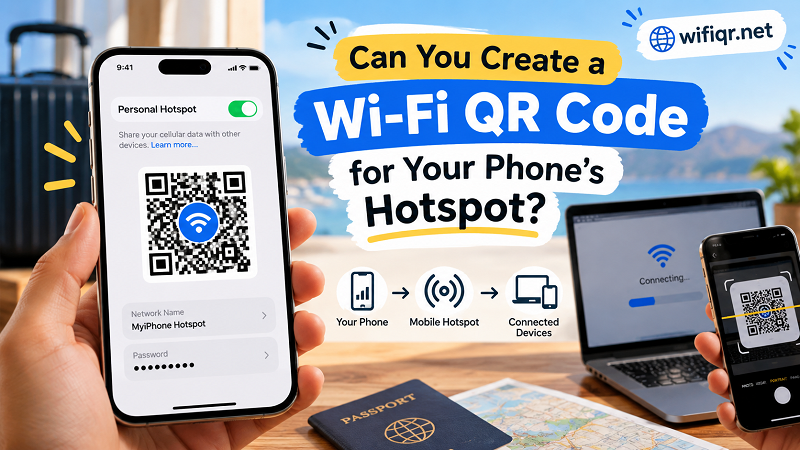
Learn how Wi-Fi QR codes work with mobile hotspots, what Android and iPhone users need to know, and how to share hotspot access more easily.
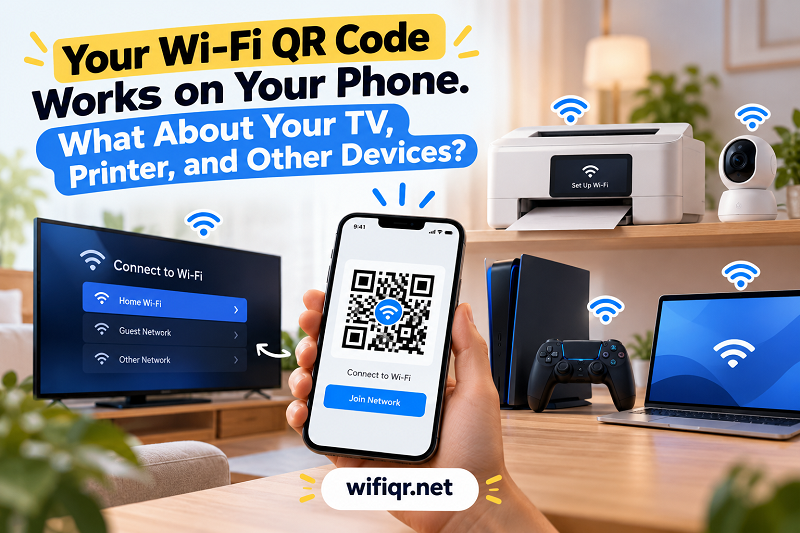
Wi-Fi QR codes don't work the same way on every device. Learn how to connect smart TVs, printers, game consoles, and smart home devices.
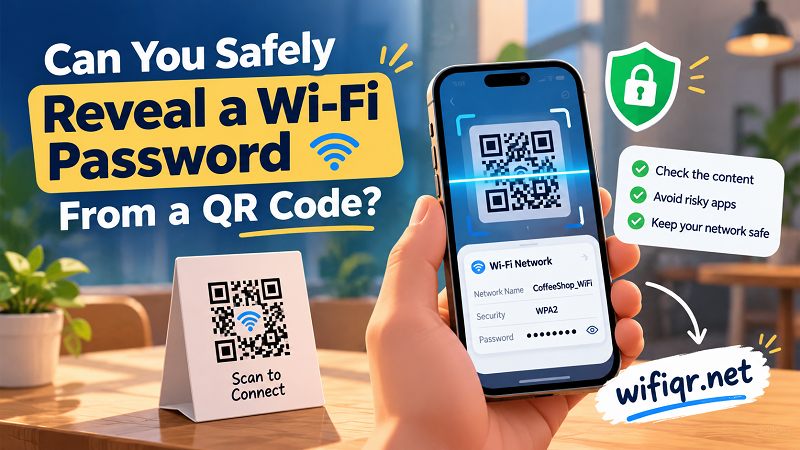
Learn how to reveal a Wi-Fi password from a QR code safely, avoid risky scanner apps, and protect your network details from unwanted exposure.
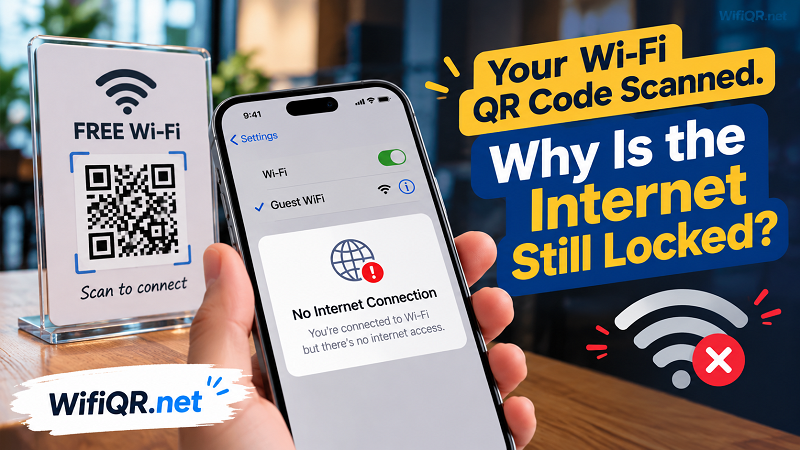
Why does your Wi-Fi QR code scan successfully but leave you offline? Learn how captive portals work and what to check before creating a new code.
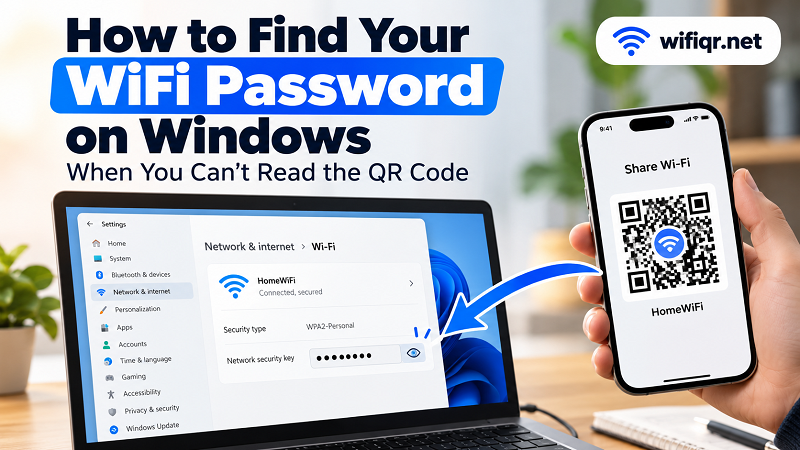
Need your saved WiFi password on Windows? Learn how to find it in network settings, use Command Prompt, and troubleshoot when a QR code won't reveal the password.
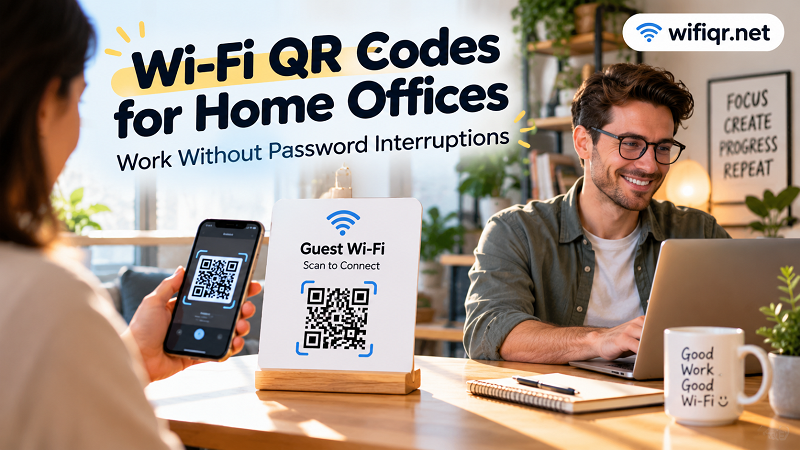
A Wi-Fi QR code can make home-office access faster and less disruptive. Learn how to use one for clients, coworkers, visitors, and guest devices.