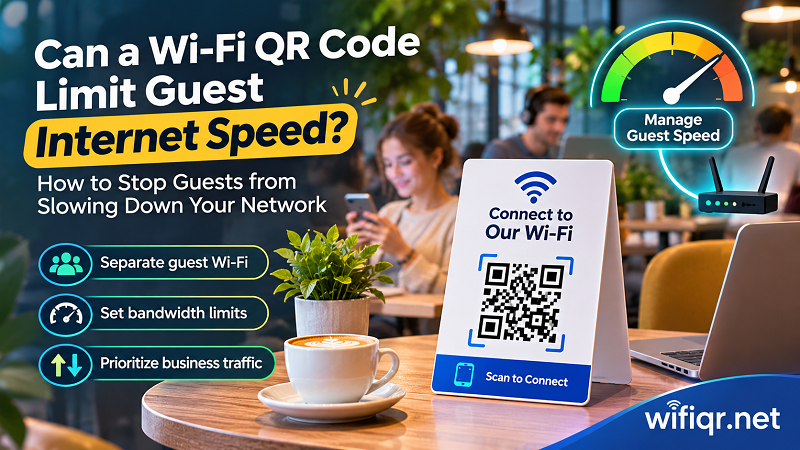
Can a Wi-Fi QR Code Limit Guest Internet Speed?
Learn how to manage guest Wi-Fi speed, prevent bandwidth hogging, protect business devices, and offer customers a smoother internet experience.
Create a free WiFi QR code in seconds. Turn your WiFi name and password into a scannable QR code for easy sharing and instant connection.
A4 to A7 are portrait at 300 DPI, so they print at true paper size. Use 2500 × 2500 px for screens and social posts.
Most QR tools want an account, a credit card, or a redirect link that quietly stops working. This one gives you the code and gets out of the way.
No account, no email address, no verification step. Open the page and start typing.
Every feature is free: the framed sign, the plain QR code, and every download size.
Your WiFi details are written directly into the QR code. There is no short link to expire and no trial period to run out.
Make as many codes as you need, for every room, rental, or office, and download each one as often as you like.
The QR code is generated in your browser. Your network name and password are never uploaded.
| Many online generators | This tool | |
|---|---|---|
| Account required | Often | Never |
| Code can expire | Some use redirect links that stop working | Never, the data is inside the QR code |
| Usage limits | Free plans may cap codes or downloads | Unlimited |
| Password handling | May be sent to a server | Stays in your browser |
| Print-ready sizes | Often behind a paywall | 2500 px and A4 to A7, all included |
Add the WiFi name, choose the security type, and type the password. Mark it as hidden if the name is not broadcast.
Use the framed sign for tables and walls, or the QR code only for your own layouts. Tweak colors, dot style, and corner style to match your space.
Choose 2500 × 2500 px or an A4 to A7 size, download the PNG, and print it. Test it with your phone camera first.
Short, practical guides on sharing WiFi safely and getting the most from your QR sign.
Learn how to manage guest Wi-Fi speed, prevent bandwidth hogging, protect business devices, and offer customers a smoother internet experience.

Can you scan a Wi-Fi QR code without internet? Discover how QR scanning works, why Wi-Fi connects offline, and what happens when your router loses internet.
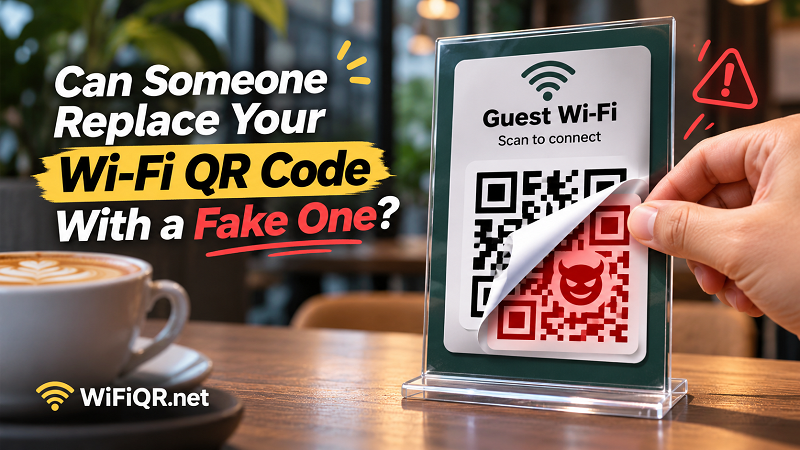
Fake Wi-Fi QR Codes can expose customers to untrusted networks. Discover how QR sticker scams work and how businesses can protect their Wi-Fi access points.
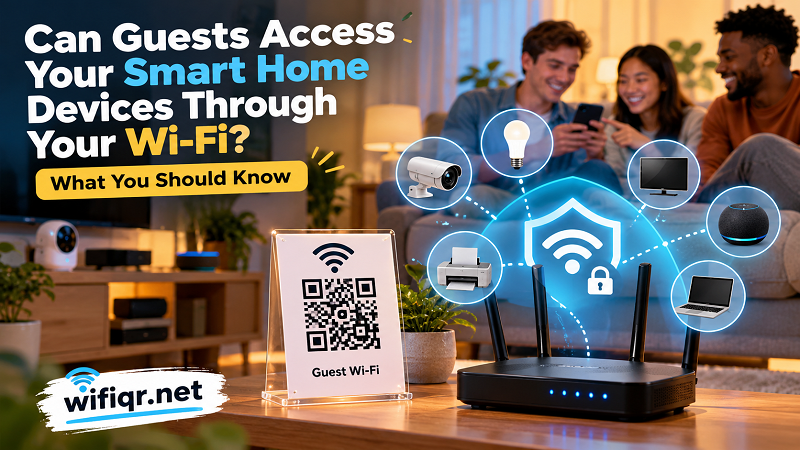
Discover what guests can access on your home Wi-Fi, how guest network isolation works, and how to protect your smart home devices before sharing access.
Can't find your answer? The steps above cover the whole flow: enter, style, download.