QR for WiFi: The Easier Way to Share Your WiFi
Tired of typing long WiFi passwords? A QR for WiFi makes sharing your network faster, easier, and more convenient for guests, customers, and teams.
“What's the Wi-Fi password?”
- The Problem Isn't Your Wi-Fi. It's the Way You Share It.
- Think of Wi-Fi as Information, Not Just a Password
- The “Can I Get the Wi-Fi?” Moment Happens Everywhere
- A Better Wi-Fi Experience Takes About Two Seconds
- Where Should You Put a Wi-Fi QR Code?
- Don't Turn Your QR Code Into a Decoration Contest
- What Should the Sign Say?
- Creating One Doesn't Have to Be Complicated
- One Small QR Code Can Remove a Surprisingly Big Annoyance
It is probably one of the most repeated questions in any home, office, café, hotel, or guest space. And somehow, the answer is rarely as simple as it should be.
Maybe the password is 18 characters long. Maybe it contains a random combination of uppercase letters, numbers, and symbols that looks like someone fell asleep on the keyboard. Maybe you read it out loud perfectly and the other person still gets one character wrong.
Then comes the classic sequence: “Can you say that again?” followed by “Was that a zero or an O?”
Your Wi-Fi might be blazing fast. The annoying part is getting people onto it.
That is where a QR for WiFi becomes surprisingly useful.
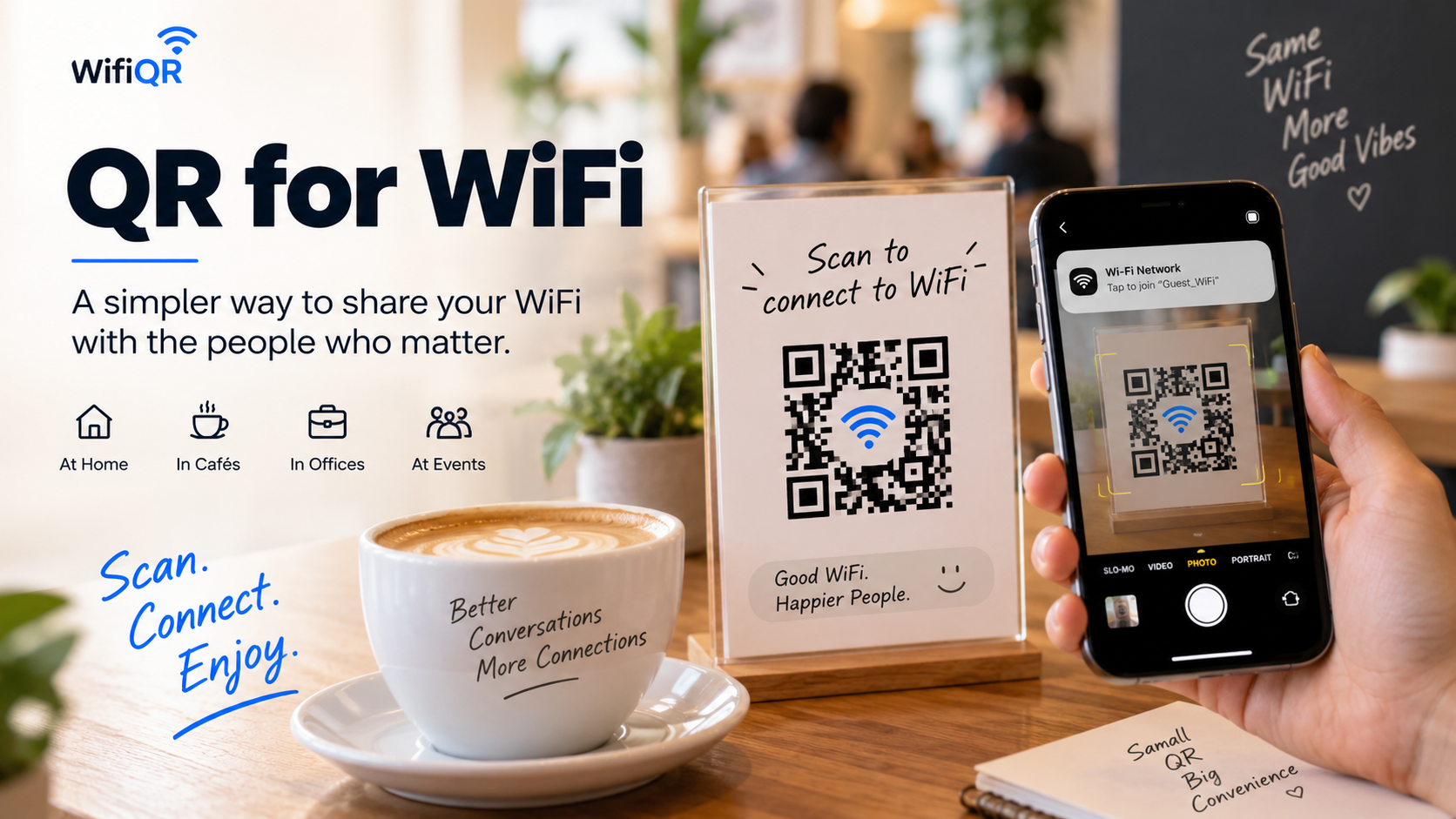
The Problem Isn't Your Wi-Fi. It's the Way You Share It.
Wi-Fi passwords are designed to keep networks secure, not to be pleasant to communicate verbally.
A strong password might look something like:
HomeNet_7X!pQ29#Lm
Great password. Terrible sentence.
Reading it aloud is awkward. Typing it on a phone is even worse. One missing symbol is enough to send someone back to the beginning.
And this gets more annoying when several people need access.
Imagine having six guests arrive at your house. Instead of enjoying dinner, you become the unofficial Wi-Fi help desk. At a café, staff may have to repeat the same password dozens of times. In an office, visitors may need to ask reception before they can even open their email.
None of these problems are technically difficult. They are simply friction.
A QR code removes much of that friction by turning the connection details into something a phone can scan instead of something a person has to type.
Think of Wi-Fi as Information, Not Just a Password
When people talk about sharing Wi-Fi, they usually think about the password first. But a wireless network is actually made up of several pieces of information.
There is the network name, also known as the SSID. Then there is the password. There is also the security type used by the network.
For a person, those details can be annoying to enter manually. For a QR code, they can be encoded together as structured information.
That distinction matters.
A Wi-Fi QR code isn't simply a picture containing the password. It is a machine-readable way of packaging the information a compatible device needs to understand the network connection.
Instead of asking someone to remember three pieces of information, you give their phone one thing to read.
That is a much cleaner interaction.
The “Can I Get the Wi-Fi?” Moment Happens Everywhere
You don't need to run a fancy business to benefit from easier Wi-Fi sharing.
At home, a small QR code can sit near the router or on a table where guests can see it. No need to interrupt your conversation every time someone asks for the network.
In a café or restaurant, it can be placed near the counter, on a table, or alongside a menu. Customers can scan it themselves instead of waiting for staff.
In an office, it can make guest access less dependent on someone from the team being available. A meeting room can have its own clearly displayed connection information, making life a little easier for visitors and employees.
For an Airbnb, homestay, rental property, or guest room, the idea becomes even more practical. Guests often arrive tired, carrying bags, looking for the door, checking their phones and trying to get online. The last thing they need is to hunt through a welcome document for a complicated password.
And at events, workshops, or temporary spaces, a visible Wi-Fi QR code can save organizers from answering the same question over and over again.
The pattern is always the same: someone wants internet access, and you don't want to become the person responsible for explaining the password.
A Better Wi-Fi Experience Takes About Two Seconds
There is something satisfying about removing an unnecessary step.
The traditional process looks like this:
Ask → listen → type → check → correct the mistake → try again
A QR-based experience is much simpler:
See → scan → connect
That difference may seem tiny when you're looking at one person connecting to one network.
Multiply it by 20 customers, 10 guests, an entire office, or hundreds of visitors at an event, and those tiny moments of friction start adding up.
Good technology often works this way. It doesn't need to do something spectacular. It just needs to eliminate the annoying part.
Where Should You Put a Wi-Fi QR Code?
Creating the QR code is only half the job. Where you put it determines whether people actually use it.
For a home, a small printed card on the dining table or near the router can work well. You could also place one in a guest room.
For a café or restaurant, think about the moments when customers naturally look around: tables, counters, menus, or reception areas. The QR should be visible without becoming visual clutter.
For an office, reception desks and meeting rooms are natural locations. If visitors regularly arrive without knowing the network details, putting the QR where they can immediately see it can remove an unnecessary interaction.
The basic rule is simple: put the QR where someone would naturally look when they need Wi-Fi.
Don't hide it behind furniture. Don't make it tiny. And don't surround it with a complicated design that makes the code harder to scan.
A QR code is a utility. Let it do its job.
Don't Turn Your QR Code Into a Decoration Contest
This is where people sometimes get carried away.
Yes, QR codes can be customized. Yes, you can make them look attractive. But there is a point where design starts fighting functionality.
If your QR is going on a café table, hotel desk, or reception counter, it should still look good. But readability comes first.
Keep enough contrast between the code and its background. Avoid stretching the QR disproportionately. Give it enough empty space around the edges. Most importantly, test the actual finished version before printing dozens of copies.
A QR code that looks amazing but refuses to scan is basically an expensive square of disappointment.
What Should the Sign Say?
You don't need a paragraph.
Something as direct as:
Scan to connect to Wi-Fi
followed by the QR code is usually enough.
If the environment isn't obvious, you can add the network name underneath. For example:
Wi-Fi: CoffeeHouse_Guest
Scan to connect
That gives people a useful visual confirmation before they scan.
If you're using the QR in a public space, avoid displaying more information than necessary. The goal is to make connecting easier, not turn a tiny sign into a user manual.
Creating One Doesn't Have to Be Complicated
Once you have the correct Wi-Fi network name, password, and security information, generating the code is a straightforward process. A wifi QR code generator can package those details into a scannable QR code that you can download, print, and place wherever people need access.
The important part isn't making the process look complicated. It is making sure the information you enter is accurate.
A single wrong character in the network name or password can turn a perfectly good QR code into a perfectly useless one.
So after generating it, scan it yourself. Then test it with another device if possible. Five seconds of testing can save you from discovering the problem after the sign is already on the wall.
One Small QR Code Can Remove a Surprisingly Big Annoyance
The best part about using a Wi-Fi QR code isn't really the QR code.
It is everything that disappears around it.
No more reading out long passwords. No more guessing whether that character was a “B” or an “8.” No more typing a complicated password while someone waits. No more answering the same question every time a new guest walks through the door.
For businesses, it can make customer and visitor access feel more polished. For homes, it makes having guests a little easier. For offices and shared spaces, it removes a small but repetitive task.
And that's really the point.
Your Wi-Fi should be easy to use. The password shouldn't become the user experience.
Sometimes the smartest upgrade isn't faster internet or a newer router.
Sometimes it's simply giving people a better way to connect.